





Make your server stand out with custom tutorials.
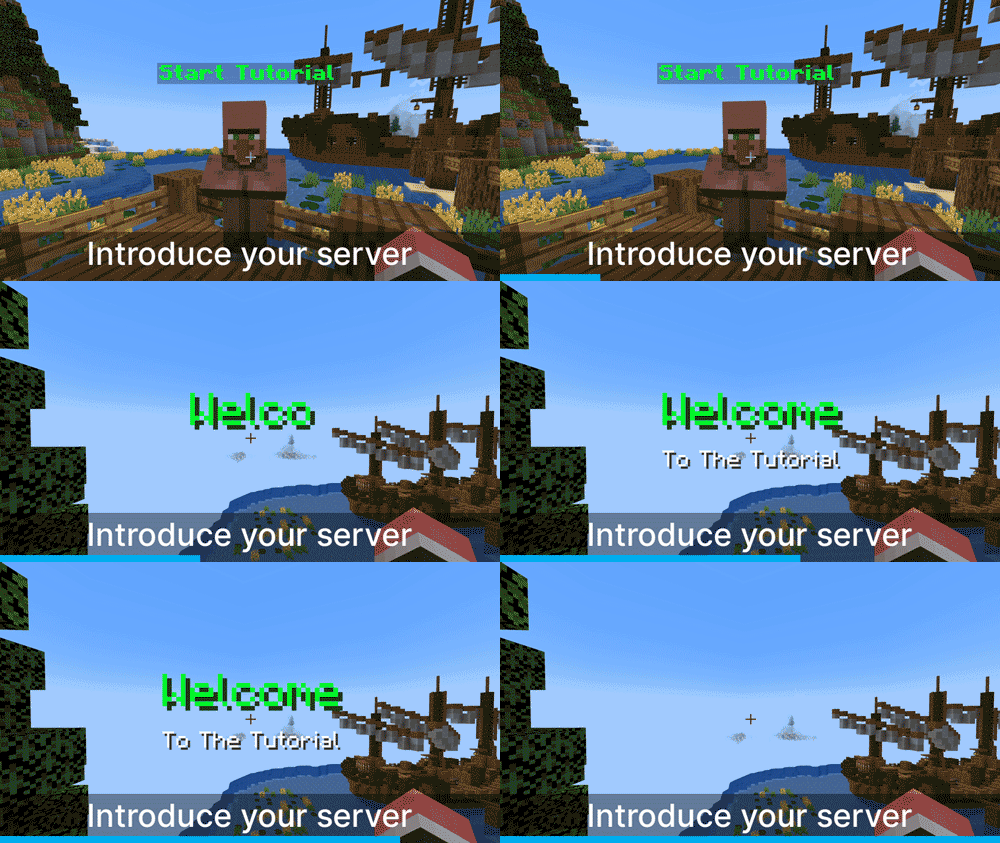
Why should every server use tutorials?
When a new player joins your Minecraft server, it's important to quickly explain what your server is all about. Tutorials effectively engage players and encourage them to stay. Introduce parts of your server, step-by-step over the course of the player's game experience.1. Create the Tutorial
- Create the Tutorial
Enter the command /tutedit <tutorialname> to create a new tutorial.
- Open the Tutorial GUI
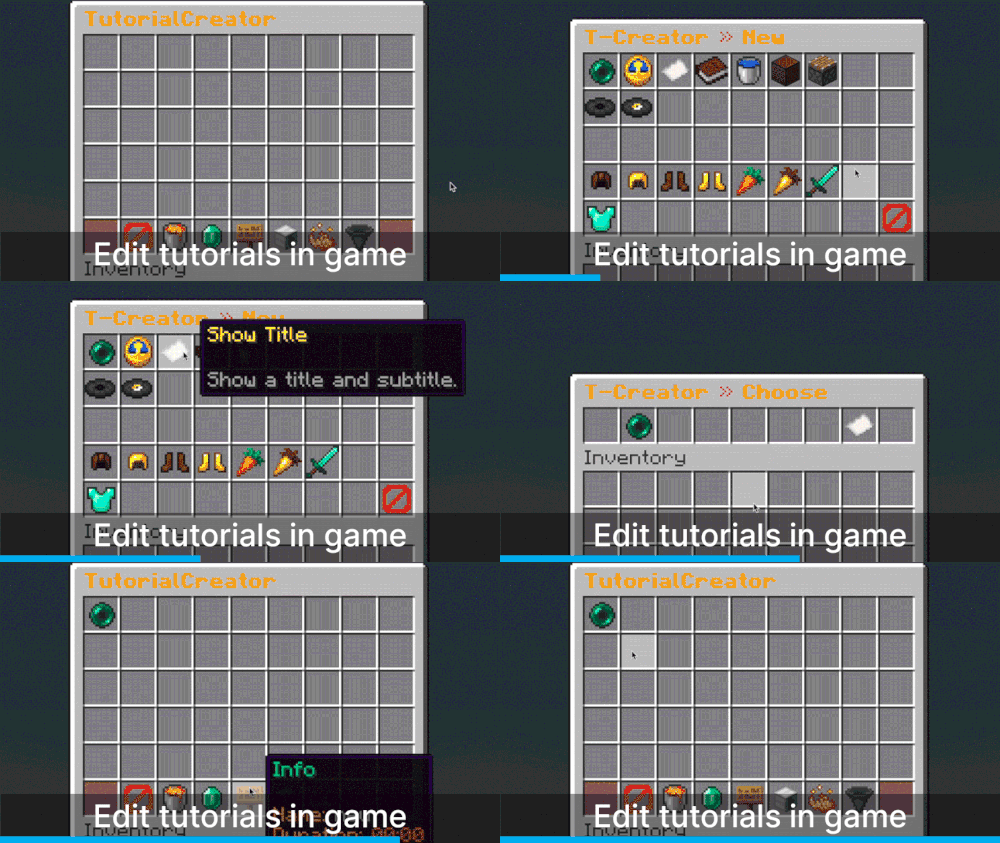
Use the command /tutedit <tutorialname> to open the tutorial's GUI. - Select an Action
Through the GUI, add actions such as teleportation, messages, or titles. Thankfully, super easy in the GUI, no need for editing any configs. - Set Delays
In the GUI, you can also set delays for the actions. - Edit Individual Actions
Click on an individual action in the GUI to edit it. You can move, delete, or test the action individually.
- Start the Tutorial
Use /tutorial <tutorialname> to test your entire tutorial. - Use the GUI for Testing
Alternatively, you can start and test the tutorial directly through the GUI.
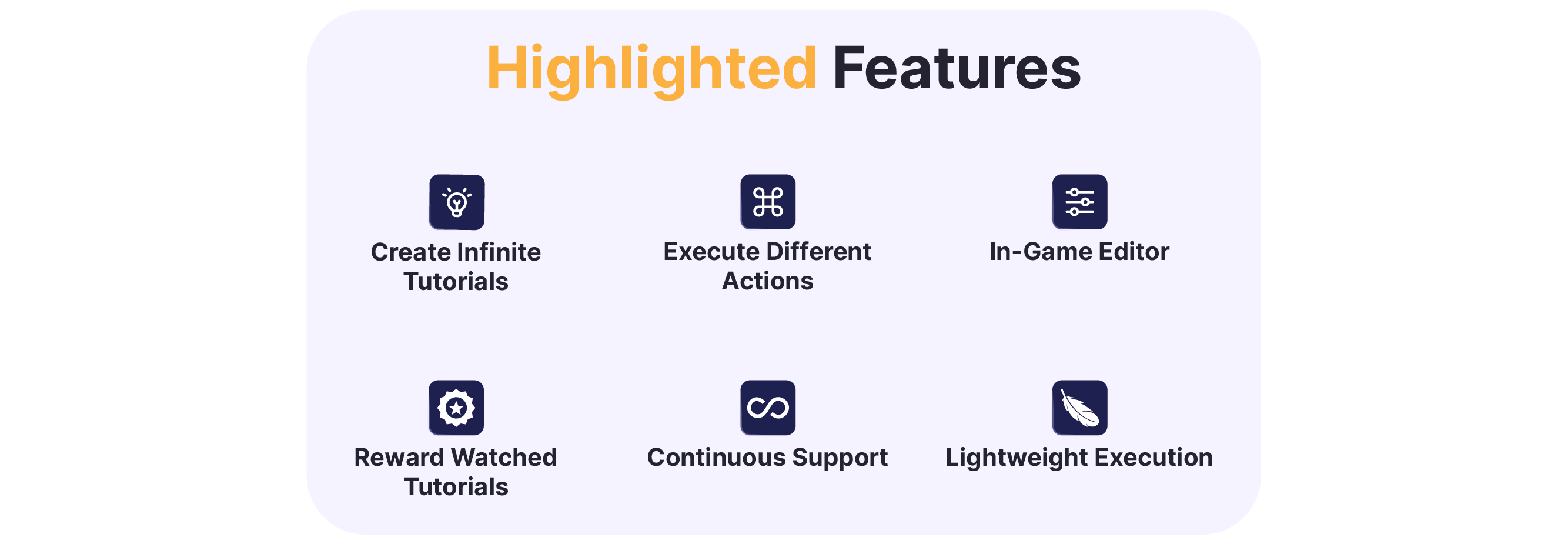
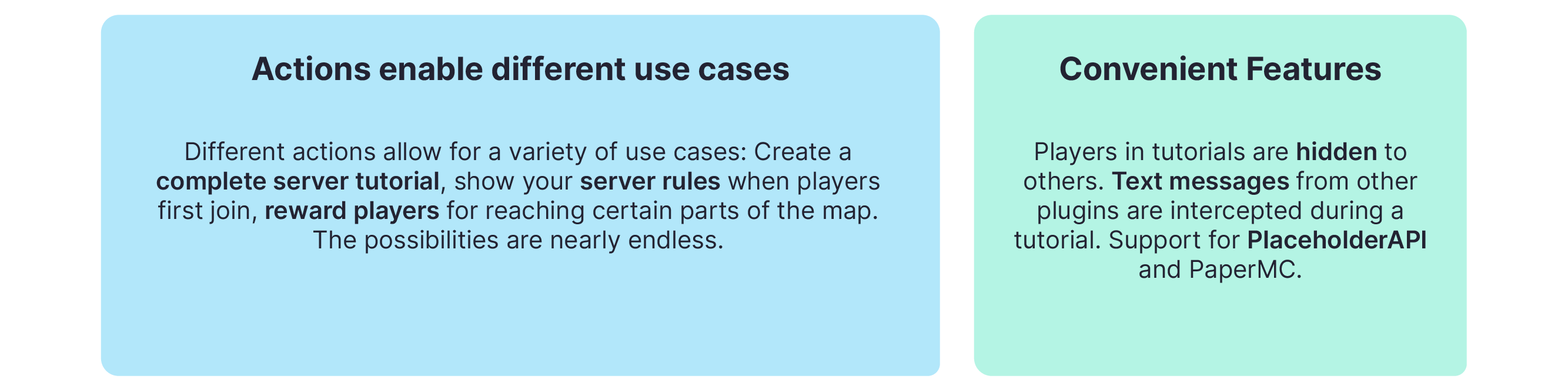
Advanced Plugin Functions
Get Support!
Join the Community Discord for support, feature votes, and news
[URL=http://spigotmc.org/attachments/823110]
[/URL][URL=http://spigotmc.org/attachments/823112][/URL]


