



If you want to buy select the button "Buy without PayPal".


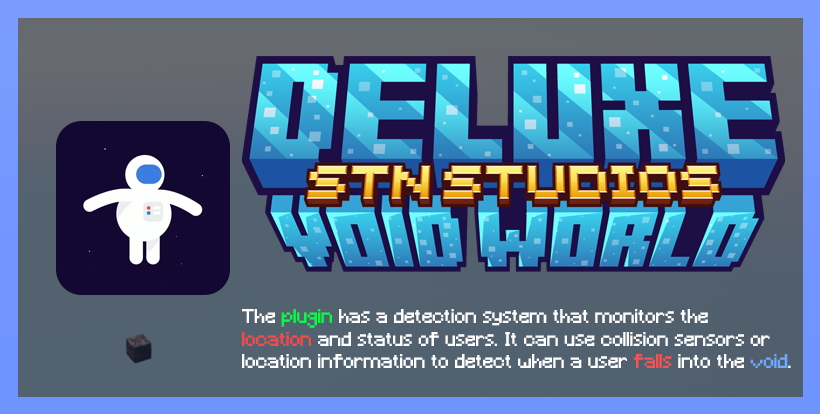
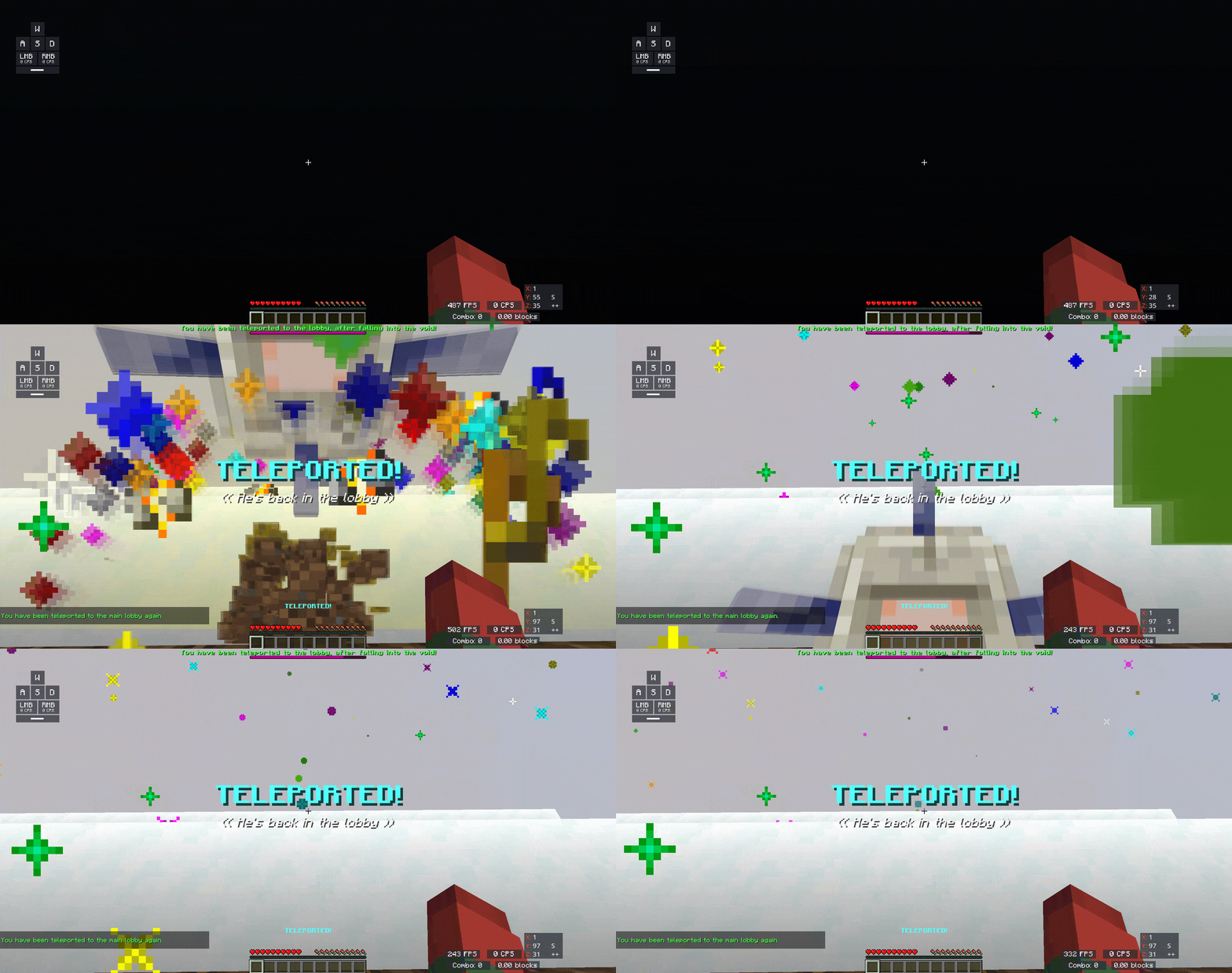
- "In the 'Deluxe Void World,' users can explore the world with different features and challenges. One of these challenges may involve the possibility of falling into a void. To ensure a smooth and uninterrupted user experience, the plugin is designed to include a teleportation feature to the main lobby."

play.stn-studios.dev


Create the main world in an empty world:
- 1.- Stop your server and remove the main world (world).
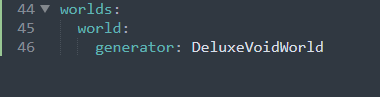
- 2.- Open Bukkit.yml and paste to the bottom the following, it should look something like this:
-
YAML:
worlds: world: generator: DeluxeVoidWorld - Start your server.
Create an empty world with Multiverse-Core
-
Java:
/mv create <world> normal -g DeluxeVoidWorld
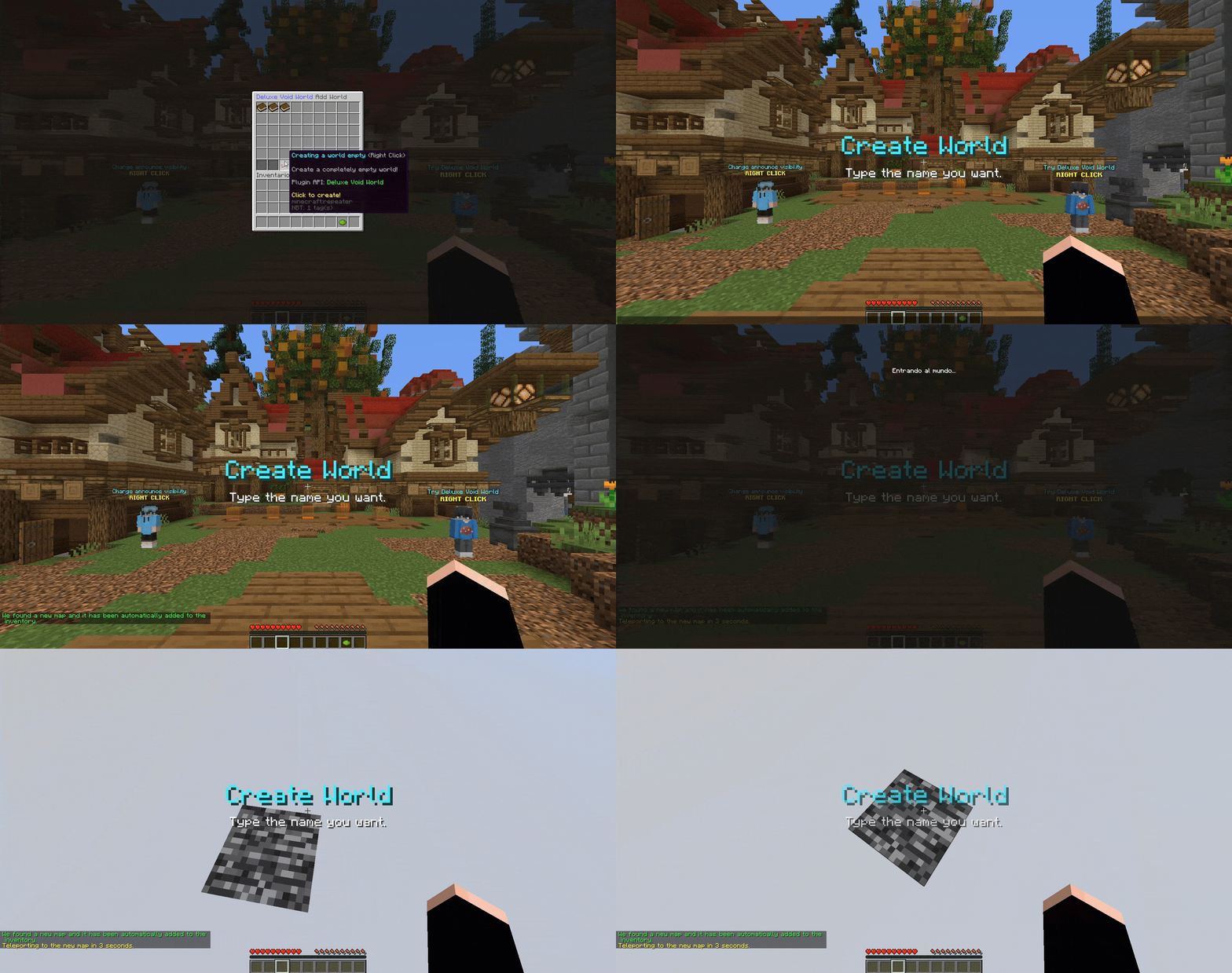
You can also create empty worlds in slime format (Slime World Manager is required).
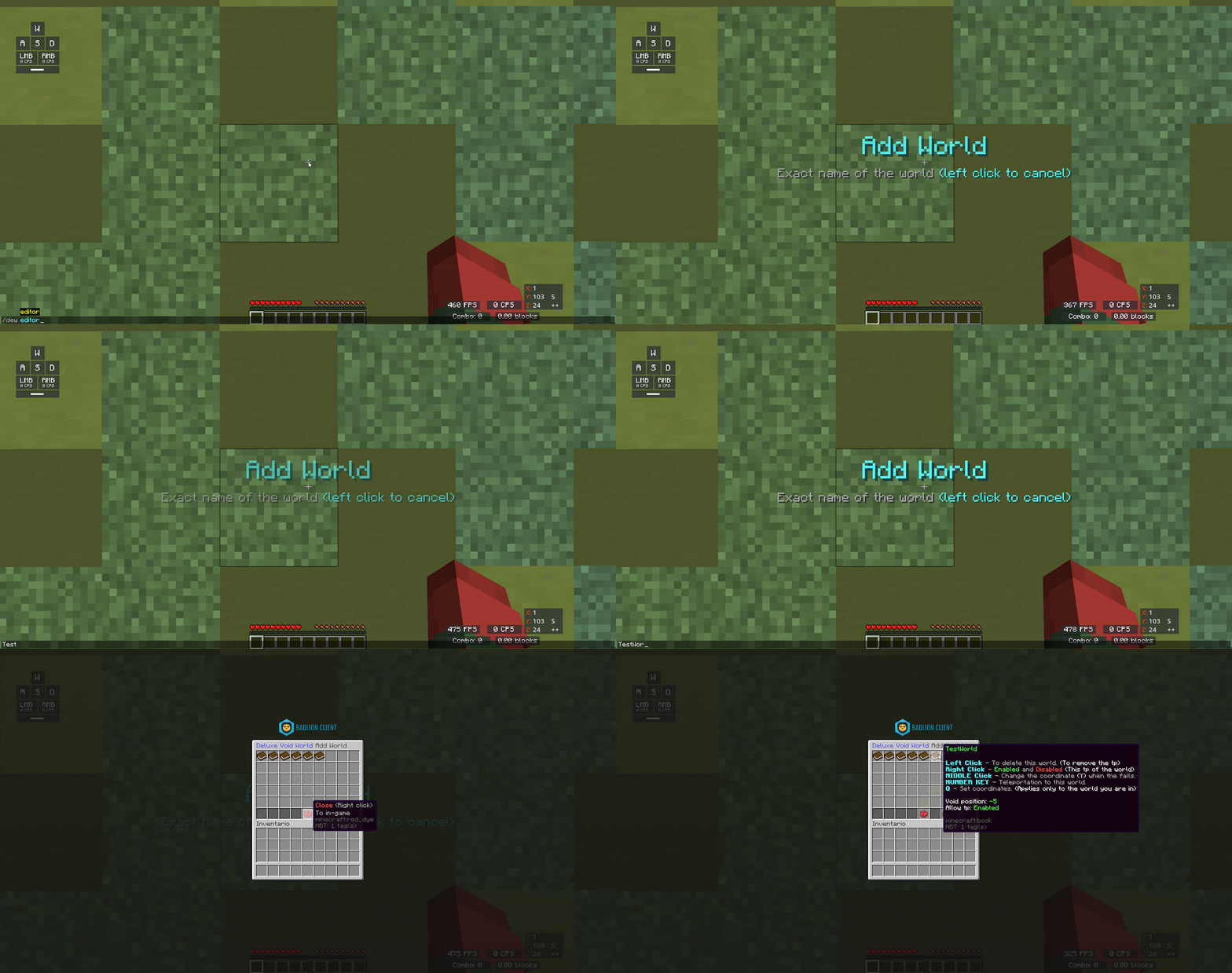
- 1.- Execute the command /dew editor (DeluxeVoidWorld.Admin)
- 2.- Click on the redstone item (repeater).
- 3.- Enter your world without spaces.
- 4.- Ready


- /dew help - See the list of commands in the plugin
- /dew reload - Reload all files in the plugin.
- /dew editor - Open the inventory to configure the map.
- /dew toggle <world> - Enable or disable teleportation of the map.
- /dew setworldvoid - Set the checkpoint where the player will be teleported.
- /dew teleport <world> - Teleporting to a world.
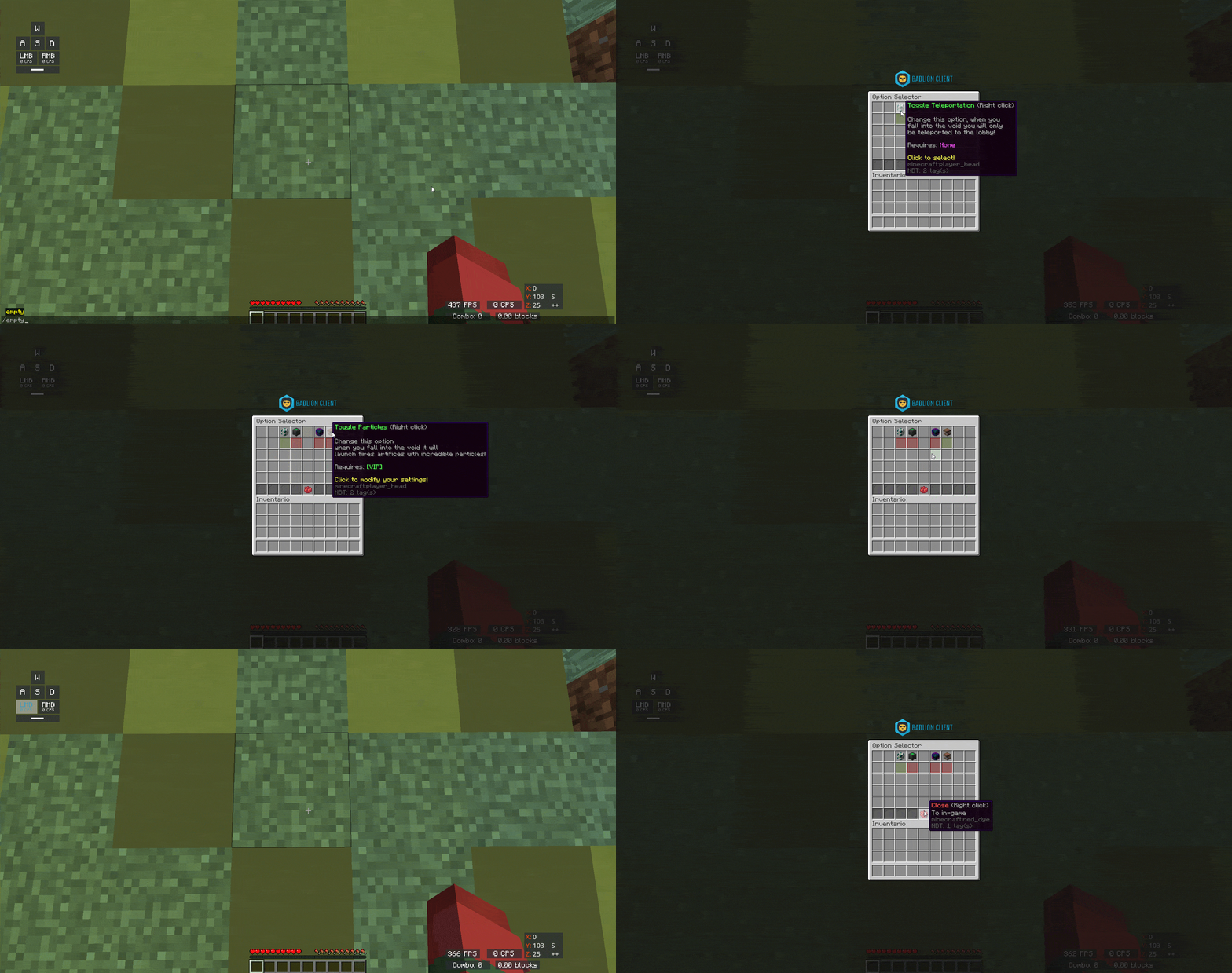
- /empty (/void) - Open the inventory with which you choose your teleportation option

- DeluxeVoidWorld.Toggle.Teleportation - Permission for normal teleportation option.
- DeluxeVoidWorld.Toggle.Jumping - Permission for high jump option.
- DeluxeVoidWorld.Toggle.Lightning - Permission for the normal teleportation option with lightning.
- DeluxeVoidWorld.Toggle.Particles - Permission for normal teleportation option with particles and fireworks
- DeluxeVoidWorld.Manager - Open the inventory to select your teleport
- DeluxeVoidWorld.Admin - Access to all commands

FEATURE! You can configure the teleportation from the inventory!
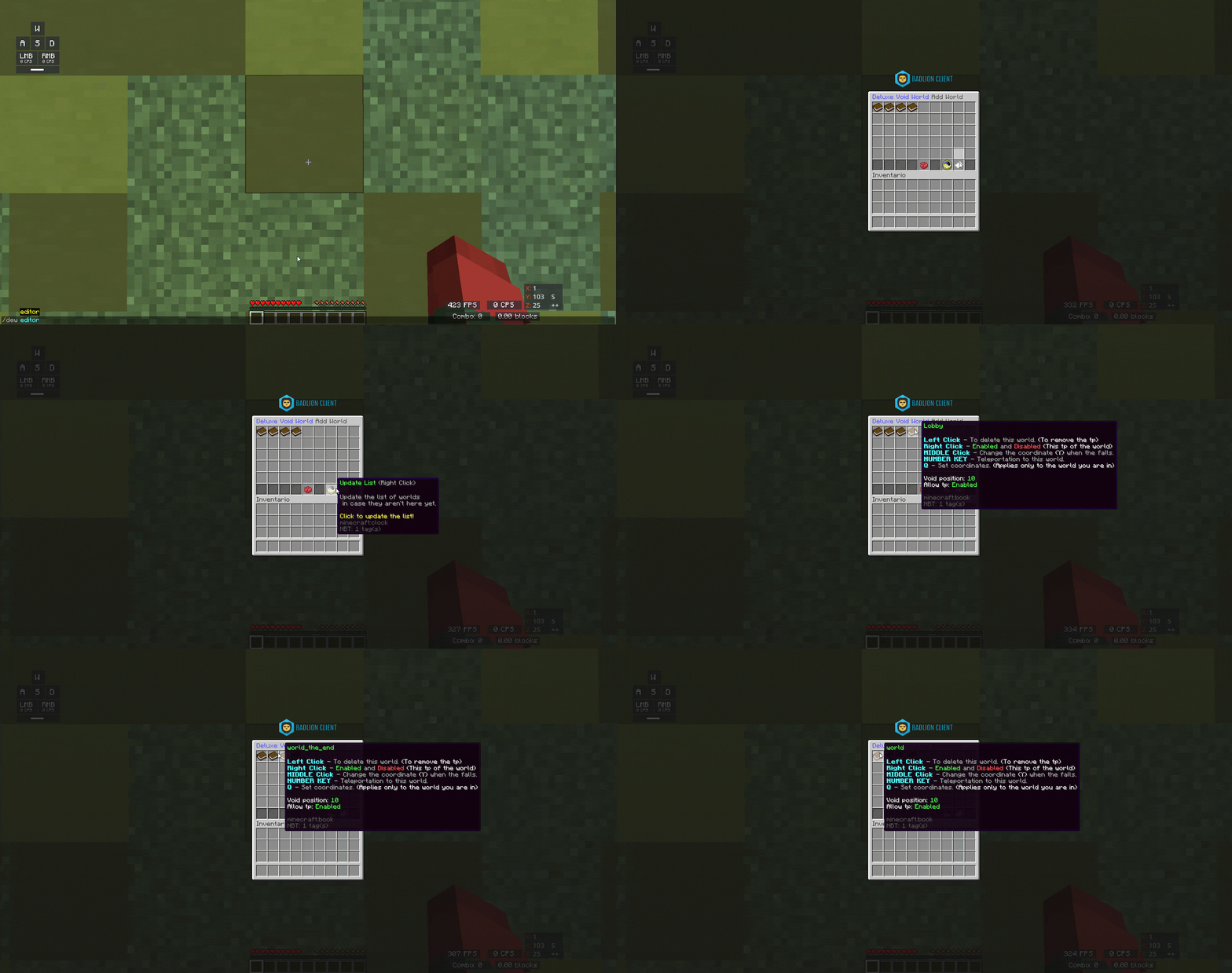
FEATURE! You can select what type of teleportation you want (Useful for users with rank)
FEATURE! Add a map if you deleted it by accident

More features will be added in future updates
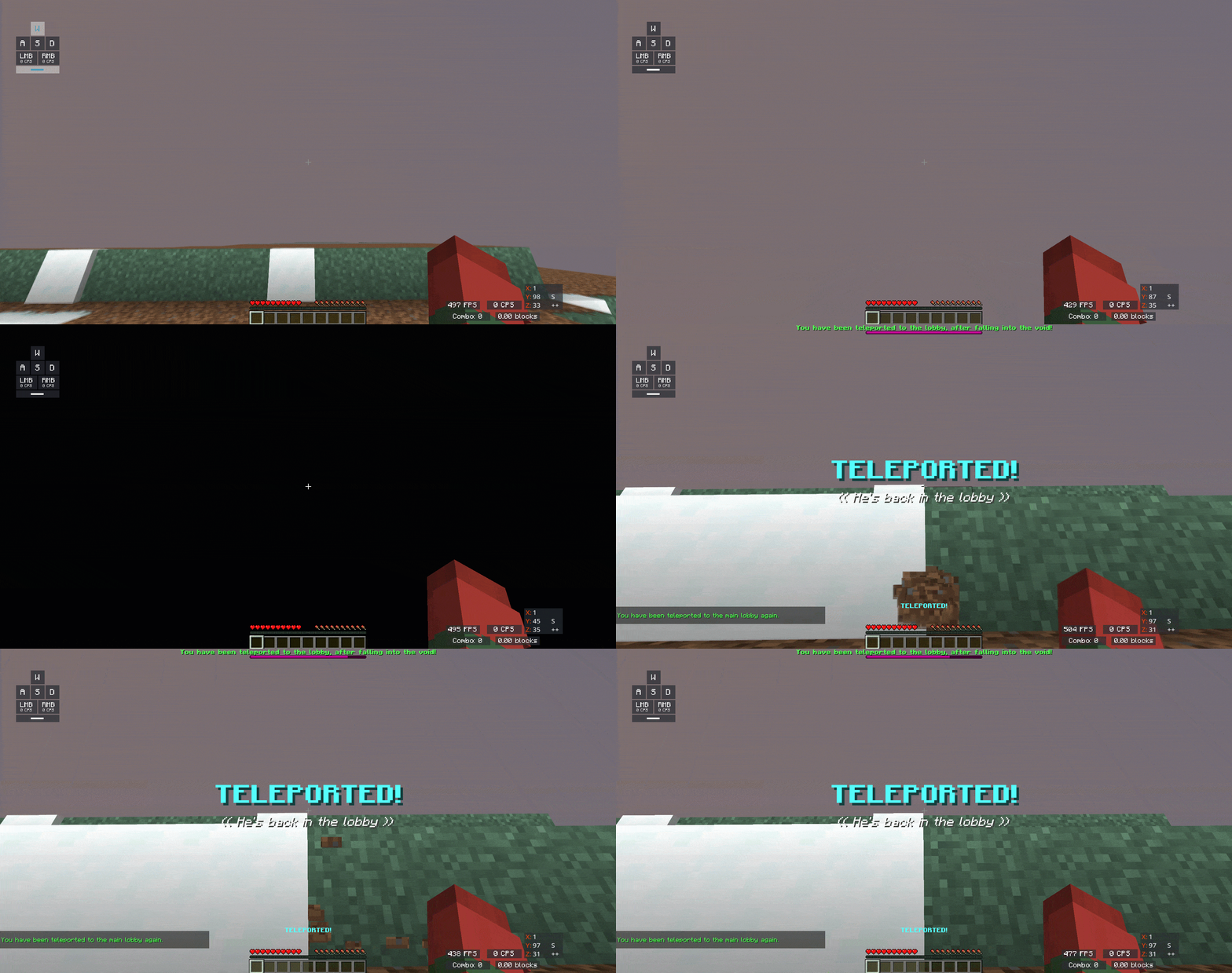
Normal teleportation
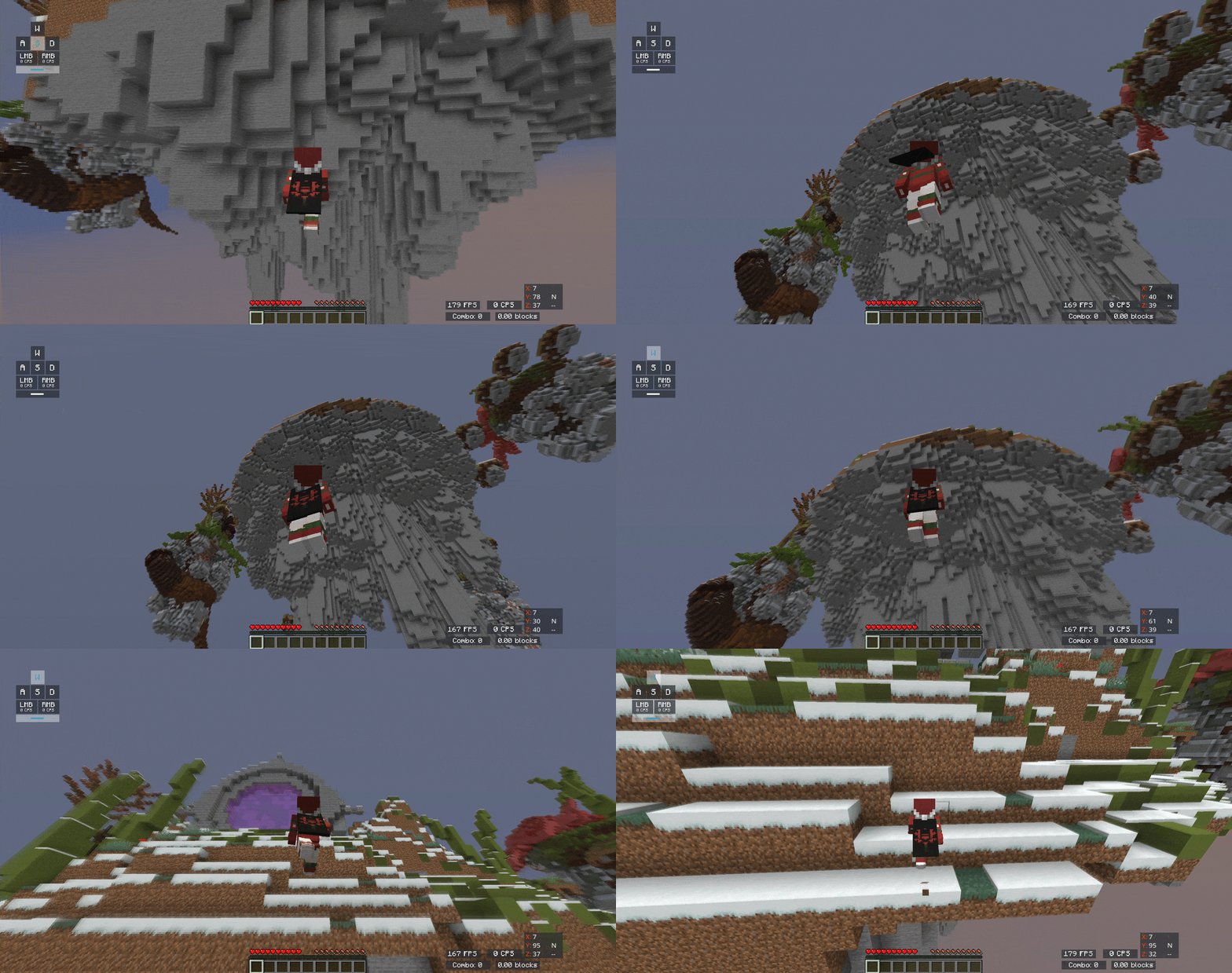
Teleportation jumping very high
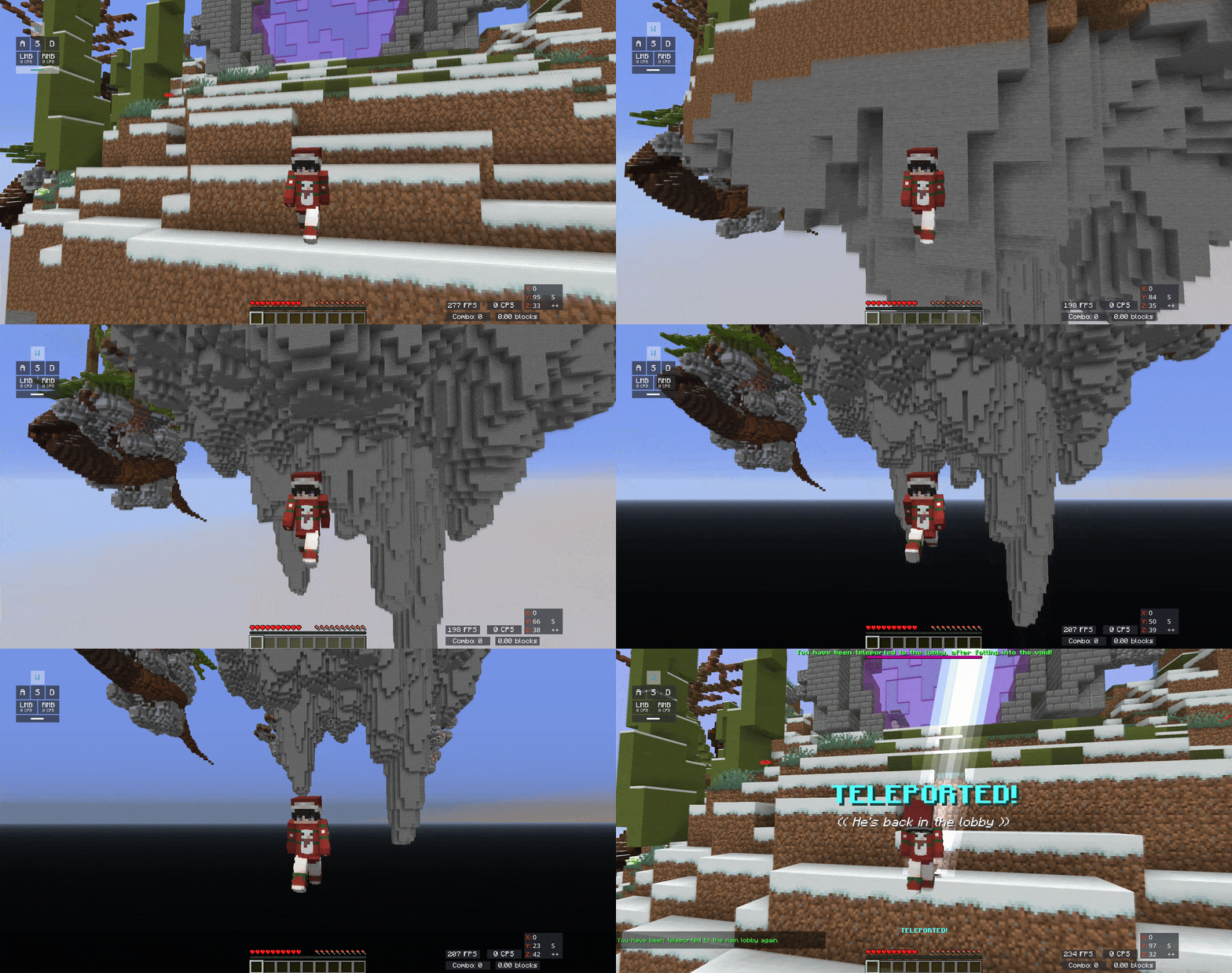
Teleportation with lightning
Teleportation with fireworks and particles

- Terms of Service - STN Studios (stn-studios.dev) (Click on the text)