





Check out the free invoicing tool that we developed: Liberty Invoice - Free Invoicing Tool

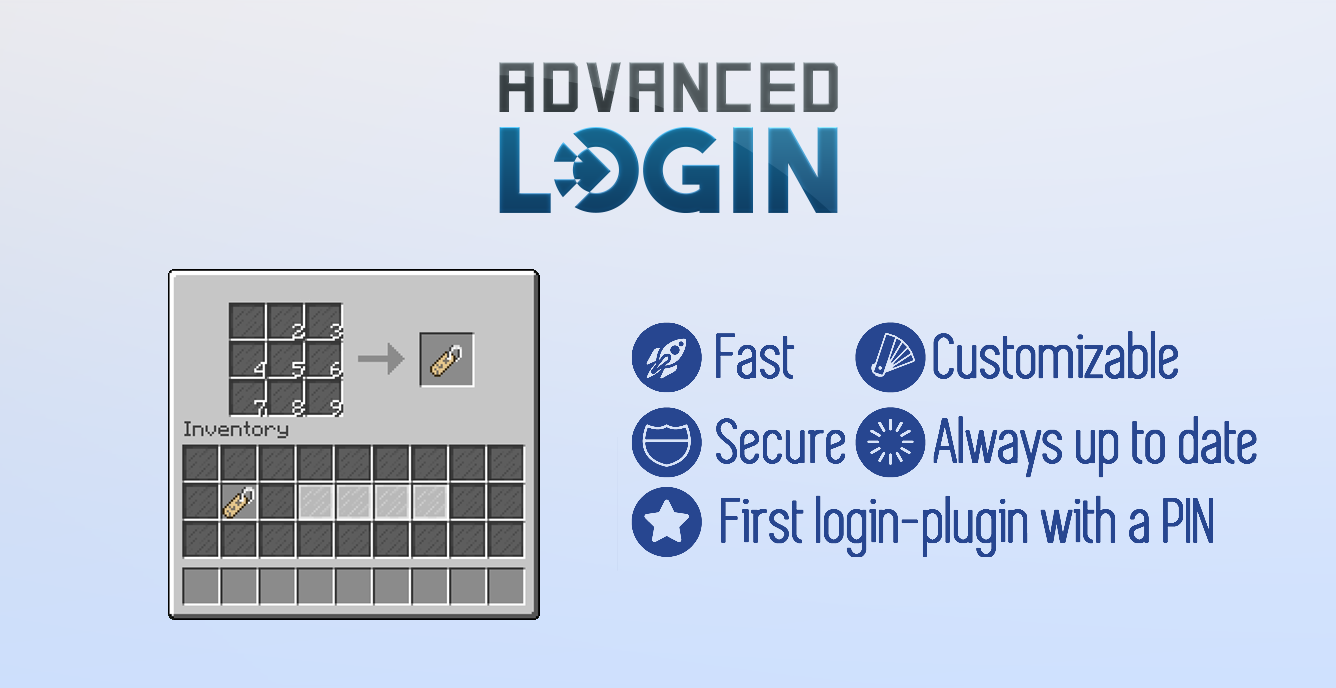
AdvancedLogin is the first login-plugin that provides a GUI-login with a PIN.
A login-gui has two main advantages to the ordinary"/login mypw123".
First it's much faster to click on 4 Items then to type the whole command and
second it's protected from the known AuthMe-Cracker that can only work with commands
And of course it looks way more awesome

For more features see the feature topic.
Placeholder:
We support the %advancedlogin_pin% placeholder from PlaceholderAPI. (Needs to be enabled in AdvancedLogin config.yml)

- Download the plugin
- Put the .jar in your plugin folder
- Reload or restart your server
- Check with /plugins if the plugin is loaded
If you want to use this plugin on a Bungeecord-Server we recommend to create an extra Login-Server where the User will always be sent to if he logs on the network.
You can specify a server in the config.yml where the user should be sent to if he logs in successfully

You will also have to install the AdvancedLogin BungeeBride on your Bungee Server: https://www.dropbox.com/s/n9wh44jmaxsb5zl/ALBungeeBridge.jar?dl=0 which will prevent the user from using the bungeecord chat/commands while logging in.
2 Factor Auth with AuthMe:
If you want an extra layer of protection and use AdvancedLogin together with AuthMe, then follow these steps:
1. Install the lastest version of AutheMe
2. Go into the AuthMe config and set:
YAML:
UnrestrictedInventories: []
YAML:
 UnrestrictedInventories:
        - 'login: enter pin'
/resetpin - Reset the PIN of an user and opens up the LoginGUI.
For User | No Perms
/resetpin [Player] - Reset the PIN of an user and kicks him if he is online
For Admins | al.admin.resetpin
/setpin [Player]- Sets the PIN of an user
For Admins | al.admin.setpin
/alReload - Reloads the data from the config.yml
For Admins | al.admin.reload
/setJoinLoc - Sets the location to which the player will be teleportet during the login
For Admins | al.admin.setloc
al.login | If enabled in the config, only players with this permission get a login-screen

Mã:
# /---------------------------------Developed by Leoko--------------------------------\
# | #### ### # # #### # # #### #### ### # ### #### # # # |
# | # # # # # # # # ## # # # # # # # # # # ## # |
# | #### # # # # #### # ## # ## # # # # # # ## # # ## |
# | # # # # # # # # # # # # # # # # # # # # # # |
# | # # ### # # # # # #### #### ### #### ### ### # # # |
# \---------------------------------Developed by Leoko--------------------------------/


# MySQL-Settings
MySQL:
  UseMySQL: false
  IP: "localhost"
  DB-Name: "PINs"
  Username: "root"
  Password: "YourPW"

# Every X minutes the pins will be refreshed form the MySQL [if MySQL is enabled]
AutoLoad: 5

# If enabled player will be able to login with "/pin PIN"
# so players which connect via a smartphone will also be able to login
# !! This will make it very easy for "Login-Crackers" to login !!
EnablePinCommand: false

#Should the plugin save the plays IP for the auto-login feature
SaveIP: true
# The amount of time in MIN how long the IP should stay saved
# Use -1 for infinit time [= 1 Day] (Recommended)
SaveDuration: -1

# Add commands which should still be allowed
# for example /register & /login from AuthMe
BypassCommands:
- '/login'
- '/register'

# If you have a special login server in your bungeecord-network
# you can specify the name of the server where the player should be
# connected if he logs in successfully
# Set to "none" to disable
LobbyServer: "none"

#Should there be sounds effects
Sounds: true

#Optimal length is 4 or 5 and also valid is 3 and 6
#I don't recoment to use a length that is not between 3 and 6!
PIN-Length: 4

# If enabled only users with the perm "al.login" need to enter a pin
PermsLogin: false

# If enabled this will teleport the player to a set location (/setJoinLoc)
# while he is logging in.
HideLocation: false

# If enabled the player will be in spectator mode while logging in
SpectatorOnLogin: false

#The player will be kicked after x sec when he has not logged in
#Set to -1 to disable this
KickAfterSec:
  Seconds: 20
  KickMessage: "&cYou have not logged in after 20 sec!"

#The player will be kicked when he types in the code x times wrong
#Set to -1 to disable this
KickAfterTries:
  Tries: 3
  KickMessage: "&cYou have not logged in after 3 tries"

#The command will be executed after x seconds eg Ban [%IP% or %PLAYER%] no /
#Set to -1 to disable this
CommandAfterTries:
  Tries: -1
  Command: "banip %IP% You have been banned for typing in the PIN 3 times wrong"

Messages-Chat:
  AdminPINReset:
    User: '&cYour PIN got reset by an admin'
    Admin: '&cThe PIN of player %PLAYER% got reset'
    HasNoPin: '&cThis player has no PIN'
  AdminPINSet:
    User: '&cYour PIN got changed'
    Admin: '&cThe PIN of player %PLAYER% got changed to %PIN%'
    NoValidPIN: '&cThis is not a vaild PIN'
  PinCommand: '&cIf you have logged in via a ChatClient please use /pin PIN to login'
  ConfReload: '&aThe config.yml has been reloaded'
  NoPerms: "&cYou don't have enough perms"
Messages-Title:
  Register:
    Line1: '&c&lRegistration'
    Line2: '&cClick on the items to set a PIN &oeg.: 1234'
    Stay: 70
  Registered:
    Line1: '&a&lWelcome!'
    Line2: '&aSuccessfull registered! &cYour PIN&8: &7%PIN%'
    Stay: 70
  Loggedin:
    Line1: '&a&lWelcome!'
    Line2: '&aPIN accepted!'
    Stay: 70
  AutoLoggedin:
    Line1: '&a&lWelcome!'
    Line2: '&aYou were automaticly logged in'
    Stay: 70
  WrongPIN:
    Line1: '&c&lWrong PIN'
    Line2: '&7&oPIN not accepted, try it again'
    Stay: 70
  FastLoginLog:
    Line1: '&a&lFastLogin'
    Line2: '&aYou got force-logged in by FastLogin'
  FastLoginReg:
    Line1: '&a&lFastLogin'
    Line2: '&aYou got force-registered in by FastLogin'
Messages-Items:
  ShowPIN: '&cShow PIN'
  PIN: '&c&lPIN &8&l»'
  HiddenNumber: '&7&l*'
  Numbers:
    1: '&f&l1'
    2: '&f&l2'
    3: '&f&l3'
    4: '&f&l4'
    5: '&f&l5'
    6: '&f&l6'
    7: '&f&l7'
    8: '&f&l8'
    9: '&f&l9'
✔ Secure from Authme-Cracker
✔ Faster then typing in "/login mypw123"
✔ Optional MySQL-Support
✔ Saves the players IP so he just has to type in his PIN once a day
✔ Premium players don't need to login when used with FastLogin
✔ BungeeCord-Support
✔ Hide player location
✔ Hide player items
✔ Soundeffects
✔ Blocking Sessions-Stealers
✔ Blocking illegal names [> 16 letter]
✔ Costumizable pin-length
✔ Full costumizable messages
✔ Always up to date
✔ Better Player freeze on Login
[So they don't get kicked for "Flying is not enabled"]
✔ Looks extremly awsome!

YouTube:
Registration:

Login:
Autologin:
Login:
Autologin:

Please join our Discord for support: https://discord.gg/ycDG6rS
There is a priority support channel for users that bought a premium resource.
Please rate the plugin with 5 stars if you like it and if you have any ideas or feedback feel free to reach out to me.
For bug-reports please contact me before posting a bad review
Supported Server Software:
At this time we only provide support for using the plugin with Spigot, Paper, and Bungeecord (using the bungeecord bridge).
While a lot of people are using AdvancedLogin on other server software there will be no official support in case of any issues.
Thanks to @nelpeh for the thread design!


